An “Easter egg” is a hidden feature, message, joke, or piece of content intentionally placed inside a product—most commonly in software, video games, movies, or digital media—that isn’t immediately obvious to users. These elements are typically discovered through exploration, specific actions, or insider knowledge, and they often serve as playful rewards, inside jokes from developers, or tributes to other works. The term comes from the idea of an Easter egg hunt, where something is deliberately concealed for others to find, and in modern usage it reflects a blend of creativity, humor, and user engagement embedded beneath the surface of a finished product.
The earliest widely recognized Easter egg in the original Macintosh System software (1984 era) was the hidden developer credits screen in the Finder. In early versions of the Macintosh System (notably System 1.x), if you navigated to the Finder’s “About” dialog and performed a specific sequence—such as clicking in a particular pattern or holding modifier keys—you could reveal a scrollable list of the Macintosh team members who built the system. This was significant because Apple Inc. had an internal culture—strongly influenced by Steve Jobs—that discouraged public attribution of individual engineers on products, so the team embedded their signatures covertly. That hidden credits list is generally considered the first true Macintosh Easter egg: a deliberate, concealed feature placed by the developers themselves as a kind of quiet rebellion and a way to claim authorship within the software.
Beyond the original System 1 version, the Finder Easter egg evolved across releases. In systems like System 6 and System 7, clicking or interacting with the “About the Finder” box in specific ways (often repeated clicks on the icon or holding modifier keys) would reveal scrolling credits of the Finder team. This became a recurring tradition.
The Dogcow (Clarus) became an unofficial mascot in classic Mac OS printing dialogs. While not always a “triggered” Easter egg, it started as a quirky internal graphic and evolved into a cultural Easter egg—complete with the famous “Moof!” sound. It appeared in Page Setup dialogs and symbolized printer orientation, but its absurdity made it feel like a hidden joke embedded in core system UI.
“About This Macintosh” dialog could be manipulated (click sequences on icons or memory bars) to reveal hidden credits or alternate displays. These were more subtle than earlier Finder eggs but still carried the same idea: a concealed developer roll.
Some early desk accessories and utilities included hidden “peephole” windows or signature screens. These weren’t always documented and sometimes required specific key combinations or resource hacks to access. They often displayed developer names, inside jokes, or experimental UI elements.
HyperCard, created by Bill Atkinson, included several hidden elements—especially in its “About” box and sample stacks. Clicking in certain patterns or navigating specific cards could reveal credits or playful messages. Given HyperCard’s flexible scripting model, many third-party stacks also embedded their own Easter eggs.
By the time of Mac OS 8 and Mac OS 9, Easter eggs became more elaborate—and sometimes more rebellious. Some builds included hidden credits screens with tongue-in-cheek messages like “Engineers don’t ship,” reflecting internal tensions about recognition and deadlines. These were typically accessed through multi-step click sequences in About dialogs.
One of the most famous OS X-era tricks wasn’t hidden in code so much as discovered behavior: in TextEdit, if you typed text, switched to Rich Text, used a large font, and applied center alignment with certain spacing, you could create a perspective “crawl” effect that looked strikingly similar to the opening of Star Wars. It wasn’t an intentional Easter egg per se, but it became a widely shared “hidden feature” among Mac users.
Inside Terminal, running emacs and then typing M-x doctor launches a tongue-in-cheek AI “therapist” based on the classic ELIZA program. This wasn’t created by Apple (it comes from GNU Emacs), but its inclusion in OS X made it a beloved hidden gem for power users exploring the Unix underpinnings of the system.
In early versions of OS X (especially 10.0–10.4), repeatedly clicking the version number in “About This Mac” would cycle through additional details—like the build number or kernel version. While not whimsical like classic Mac OS credits, it carried forward the tradition of hidden information behind simple UI gestures.
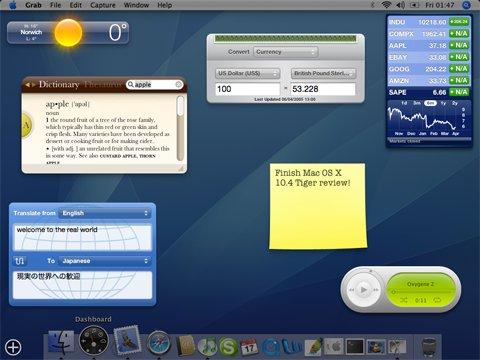
In Mac OS X Tiger (10.4), you could enable a hidden “ripple” animation when adding widgets to Dashboard using a Terminal command. Dropping a widget would create a water-like distortion effect—a purely aesthetic flourish that Apple disabled by default but left accessible.
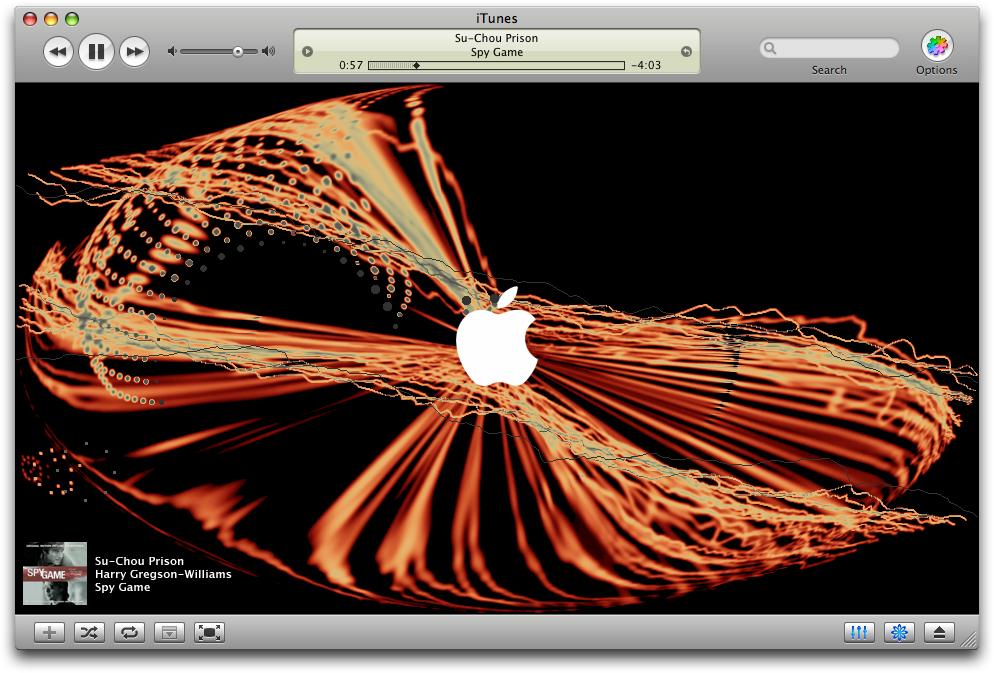
iTunes included hidden visualizer modes and keyboard shortcuts that unlocked alternate rendering styles or behaviors. Power users discovered ways to manipulate the visuals beyond what the UI exposed, making it feel like a sandbox of hidden features.
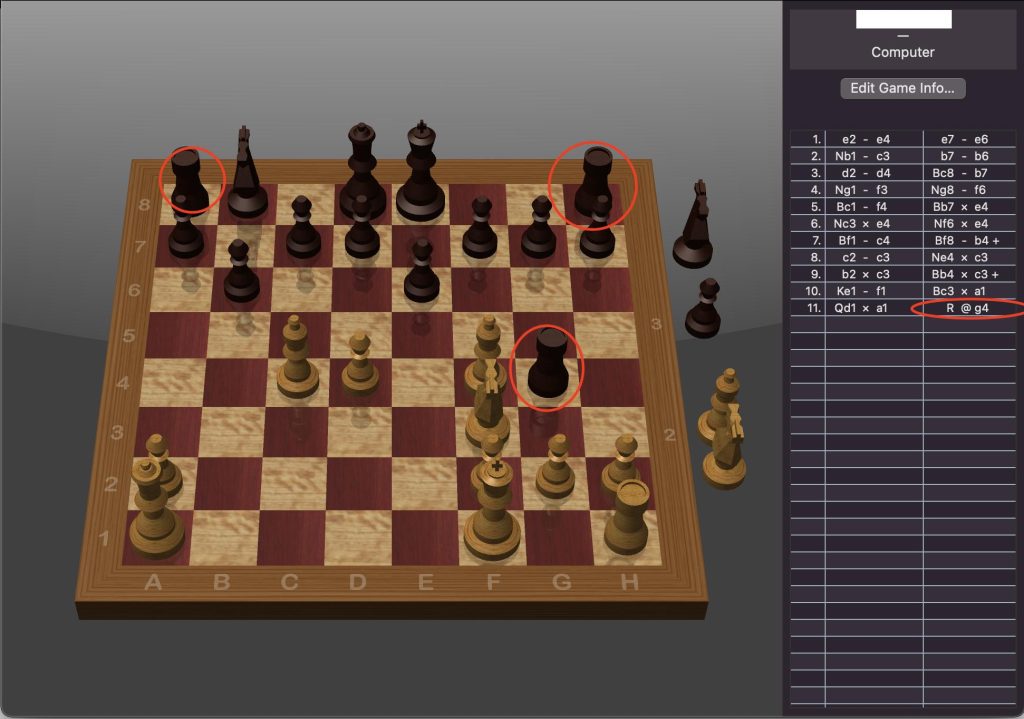
The built-in Chess app included hidden debug-style behaviors—like unusual board manipulations or camera modes—accessible through undocumented commands or scripting. These weren’t widely publicized but became known among enthusiasts.
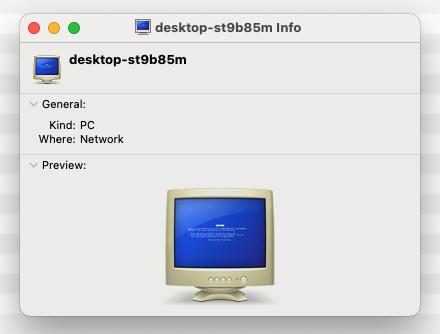
In early versions of Mac OS X (roughly 10.0 through 10.4), when you browsed a Windows PC on the network via SMB in Finder, the machine often appeared as a small blue CRT-style monitor icon with a flat blue screen. Because it strongly resembled the solid-blue error screen associated with the Blue Screen of Death in Microsoft Windows, users informally started calling it the “BSOD icon.”
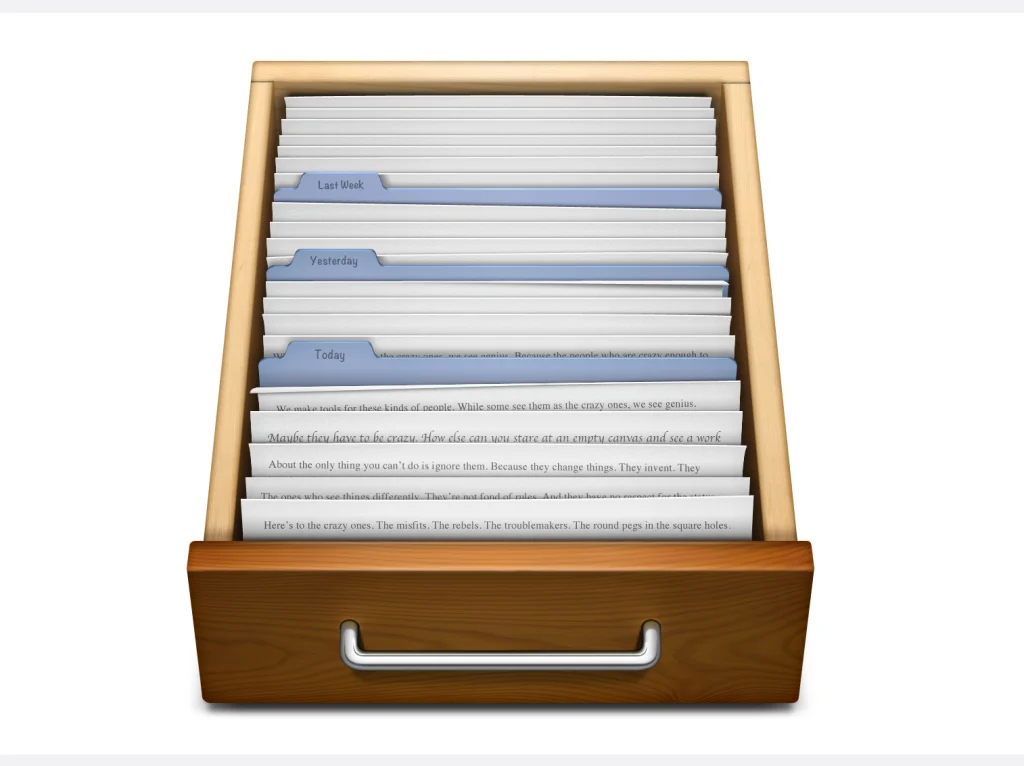
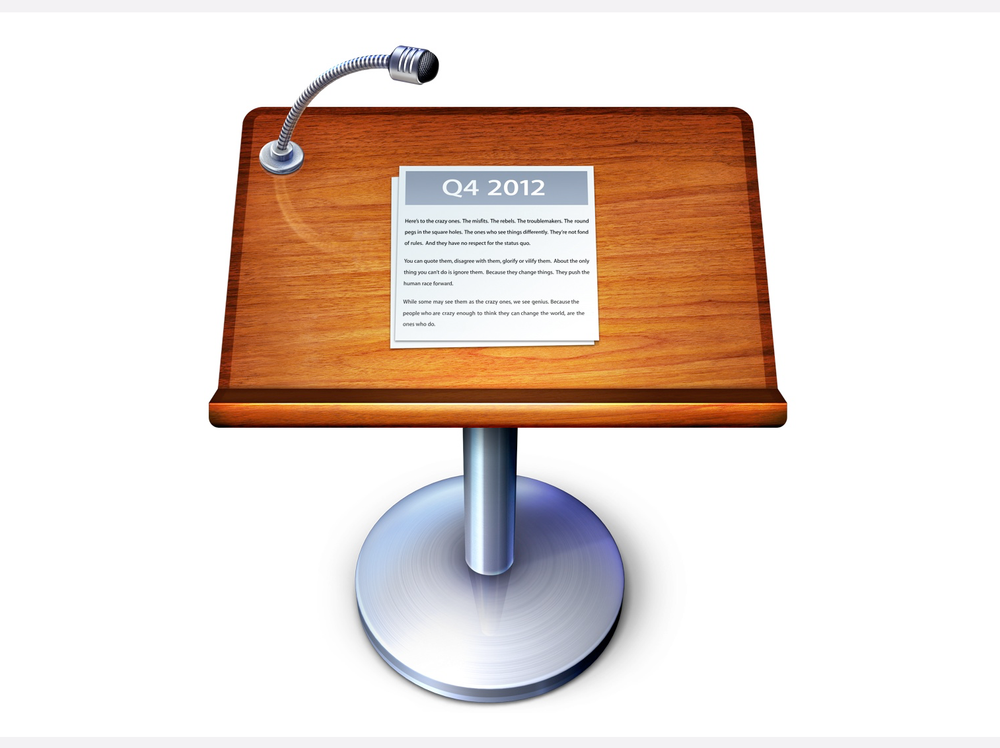
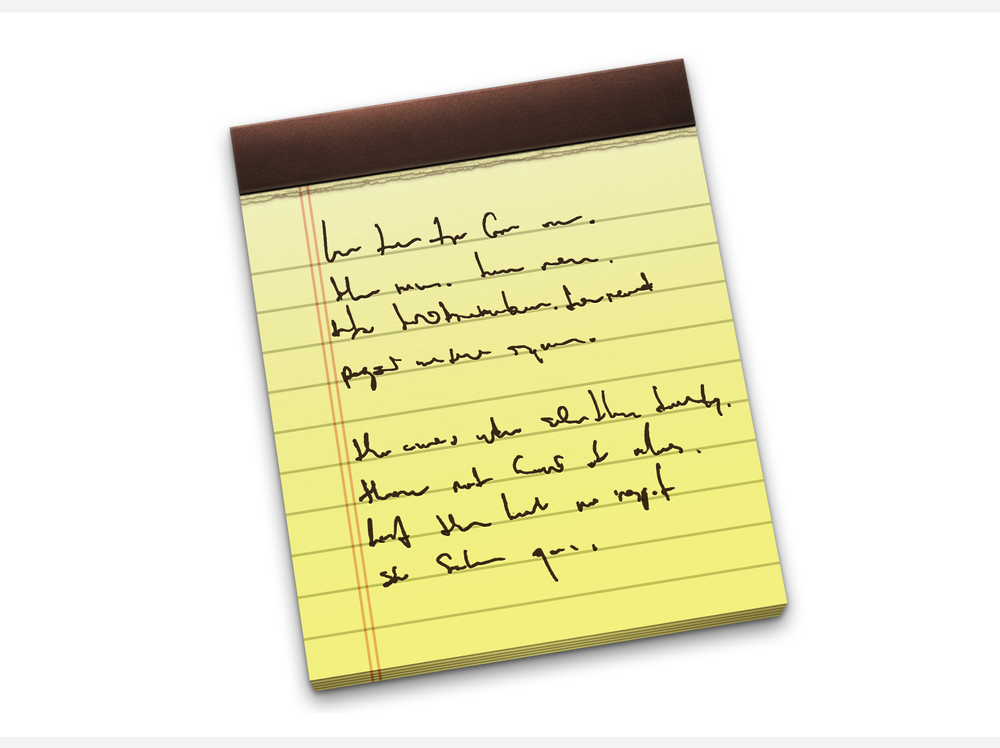
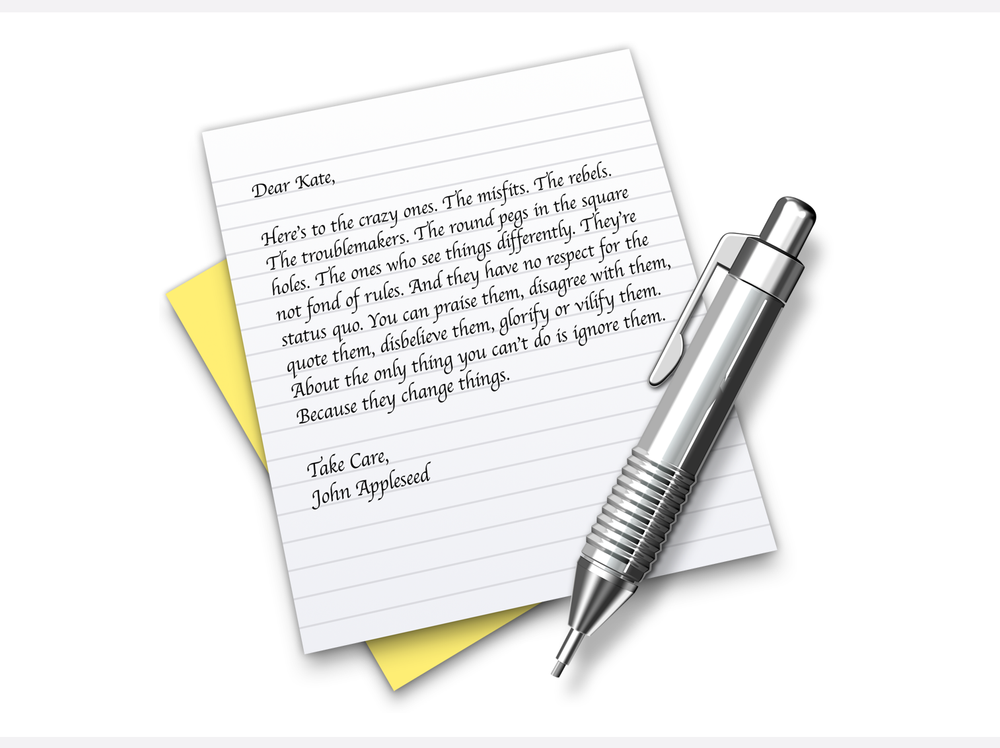
Over several years and versions of macOS the icons for Keynote, Notes, All My Files and Text Edit had portions of the “Crazy Ones” poem from the late 1990’s Apple ad campaign embedded in them.
Post–OS X (macOS) → almost no intentional Easter eggs in UI, replaced with: