Tech Tips

How to's and Troubleshooting Articles

How do I migrate from my old Mac to my new Mac?

How do I migrate from my old Mac to my new Mac?

Migrating data from one computer to another means transferring a user’s digital environment from an old system to a new one in a way that maintains continuity. This process goes beyond simply copying files.

How does hot or cold affect my Mac?

How does hot or cold affect my Mac?

Apple specifies that Macs are designed to operate in ambient temperatures between 50° and 95° F (10° to 35° C), with an ideal range of roughly 68° to 77° F (20° to 25° C) for optimal performance, longevity, and quiet operation.

What’s going on with Solid State Drive and RAM Pricing?

What’s going on with Solid State Drive and RAM Pricing?

Since 2019, NAND and DRAM costs have moved in clear cycles with large, measurable annual percentage swings

Why is my Mac, iPhone, iPad or Apple Watch Expanding?

Why is my Mac, iPhone, iPad or Apple Watch Expanding?

Expanding inside a Mac, iPhone, iPad, or Apple Watch often shows up through physical changes to the device’s shape or behavior. Common signs include screens lifting or separating from the frame, trackpads or buttons becoming hard or unresponsive to press, keyboards or cases appearing raised or warped, and the device no longer sitting flat on a surface.

How do I prepare for the NFL Playoffs with my Mac, iPhone or iPad?

How do I prepare for the NFL Playoffs with my Mac, iPhone or iPad?

Congratulations to the Denver Broncos on earning a well-deserved spot in the NFL Playoffs. This achievement reflects the team’s hard work, resilience, and commitment throughout the season. We wish them luck in the postseason, Denver Mac Repair and Broncos Country will be cheering you on every step of the way.

New Year Resolutions for my Mac!

New Year Resolutions for my Mac!

A well-performing Mac computer delivers faster and more reliable operation, allowing users to complete tasks efficiently without interruptions from lag, crashes, or excessive load times

How do I switch from Microsoft Word to Pages?

How do I switch from Microsoft Word to Pages?

Apple’s Pages is a word processing application developed by Apple Inc. as part of the iWork productivity suite, designed to provide a streamlined yet powerful environment for creating professional-quality documents.

Microsoft Office, iWork (Pages, Numbers, Keynote) and LibreOffice, what’s the difference?

Microsoft Office, iWork (Pages, Numbers, Keynote) and LibreOffice, what’s the difference?

The Mac played a major role in shaping modern word processing by introducing a visual, intuitive approach to creating documents. Early Macintosh computers offered a graphical user interface that allowed users to see fonts, styles, and formatting directly on the screen—something text-based PCs couldn’t match at the time

Bootcamp and Parallels and VMWare, oh my!

Bootcamp and Parallels and VMWare, oh my!

Virtualization creates a virtual environment that allows an operating system to run on the same CPU architecture as the host machine.

What are the Thunderbolt ports on my Mac?

What are the Thunderbolt ports on my Mac?

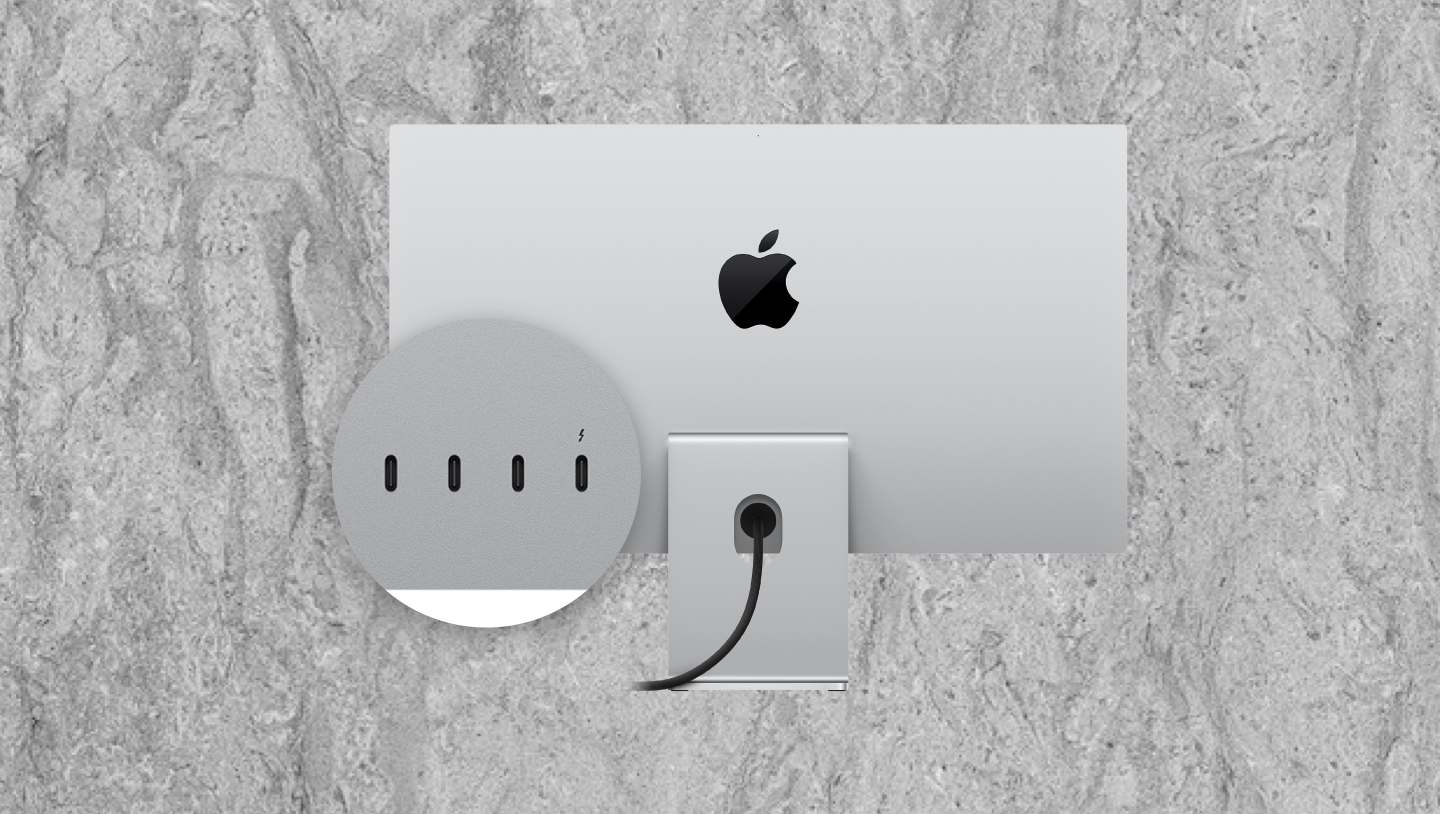
A Thunderbolt port is a high-speed, all-in-one connector developed by Intel and Apple. Think of it as the Swiss Army Knife of computer ports—it does a lot more than just move data. It combines data, video, and power into one tiny, connector.

Our Reviews

Come Visit Us
Choose a location below.
View in Google Maps