Printer problems can be a headache even with a Mac. Printers were once considered durable, long-lasting machines, often lasting a…


Printer problems can be a headache even with a Mac. Printers were once considered durable, long-lasting machines, often lasting a…

The iPhone Air replaces the “Plus” slot in the lineup — think of it as the lightweight, slim sibling of the regular iPhone 17.

The format of a hard drive is specific to an Operating System, however some formats allow you to use them…
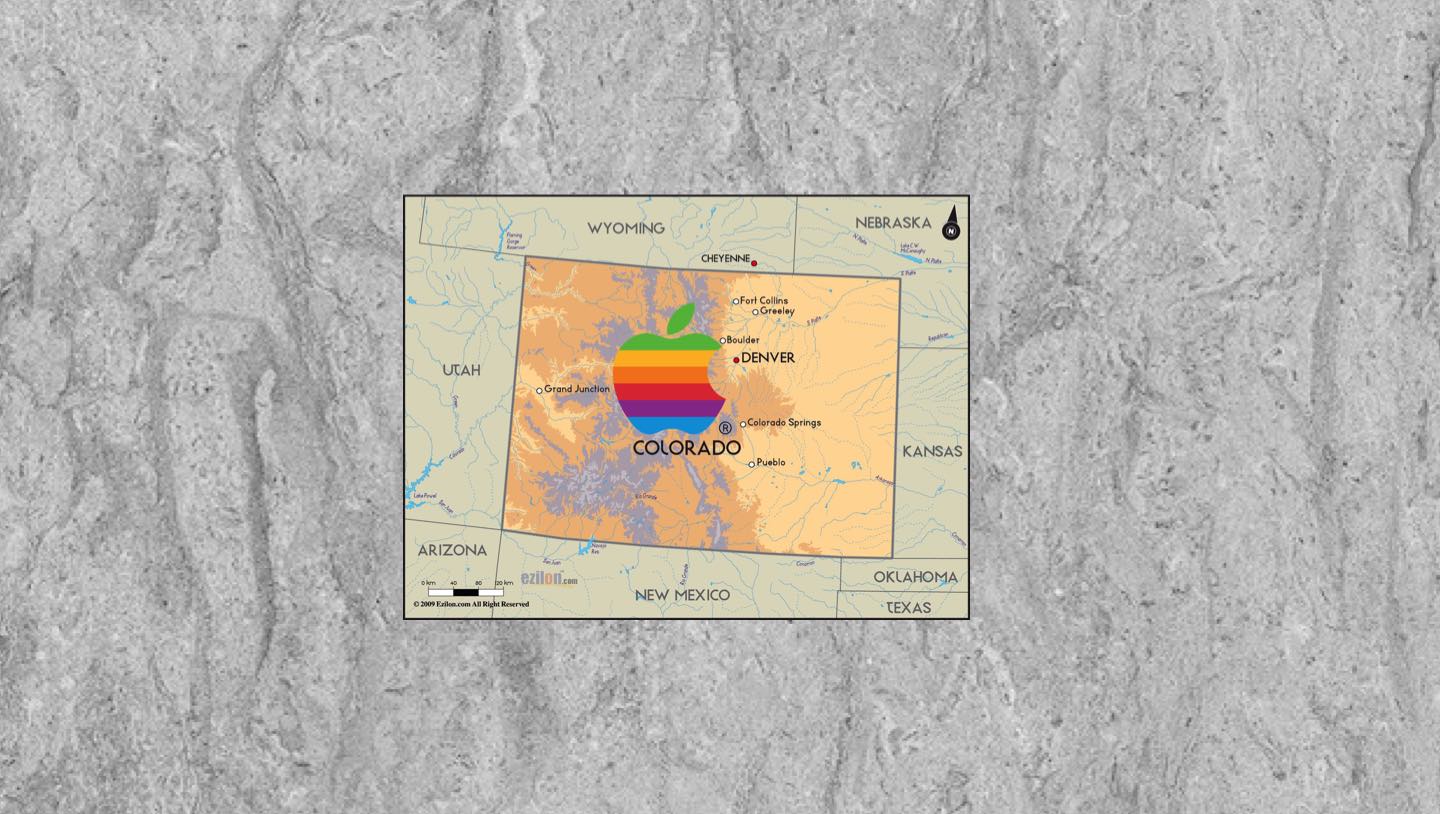
If you’re a Colorado Apple fan, you’ve probably noticed that our state has a knack for showing up in the company’s story — sometimes in small, almost Easter-egg ways, and sometimes in big, headline-worthy moments.

Apple Account purchases refer to the transactions users make using their Apple ID across Apple’s ecosystem of devices and services. When you buy apps from the App Store, music from iTunes, or subscribe to services like Apple Music, iCloud+, or Apple TV+, those purchases are linked directly to your Apple ID.

iOS, Apple’s mobile operating system, was first introduced in 2007 alongside the original iPhone. Originally called “iPhone OS,” it brought a revolutionary touch interface, replacing the stylus- and keyboard-heavy designs of the time with finger-based gestures and a sleek, minimalist home screen.

Denver Mac Repair is currently seeking to purchase a wide range of gently used Apple devices.
iPadOS, Apple’s dedicated operating system for iPad, was officially introduced in 2019 with the release of iPadOS 13. Prior to that, iPads ran a version of iOS, which was originally designed for iPhones
macOS 26 Tahoe marks a significant leap forward for Apple’s desktop operating system, unveiling the most dramatic visual overhaul since 2013.
The internet is a vast global network that connects millions of computers and devices, allowing people to share information, communicate instantly, and access an endless supply of data, services, and entertainment.


