Tech Tips

How to's and Troubleshooting Articles

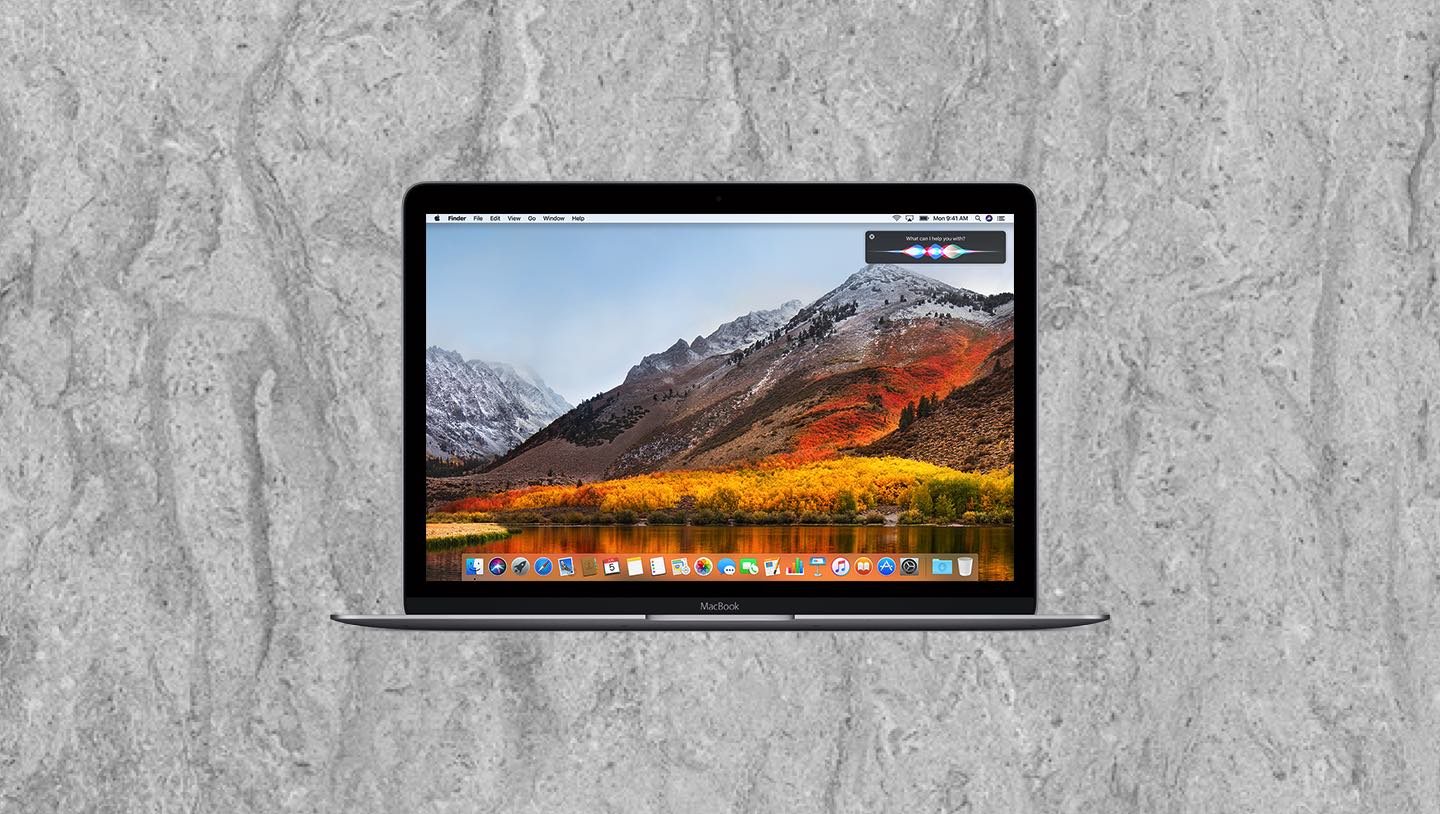
My Mac is running macOS 10.13 High Sierra, what popular apps can I run?

My Mac is running macOS 10.13 High Sierra, what popular apps can I run?

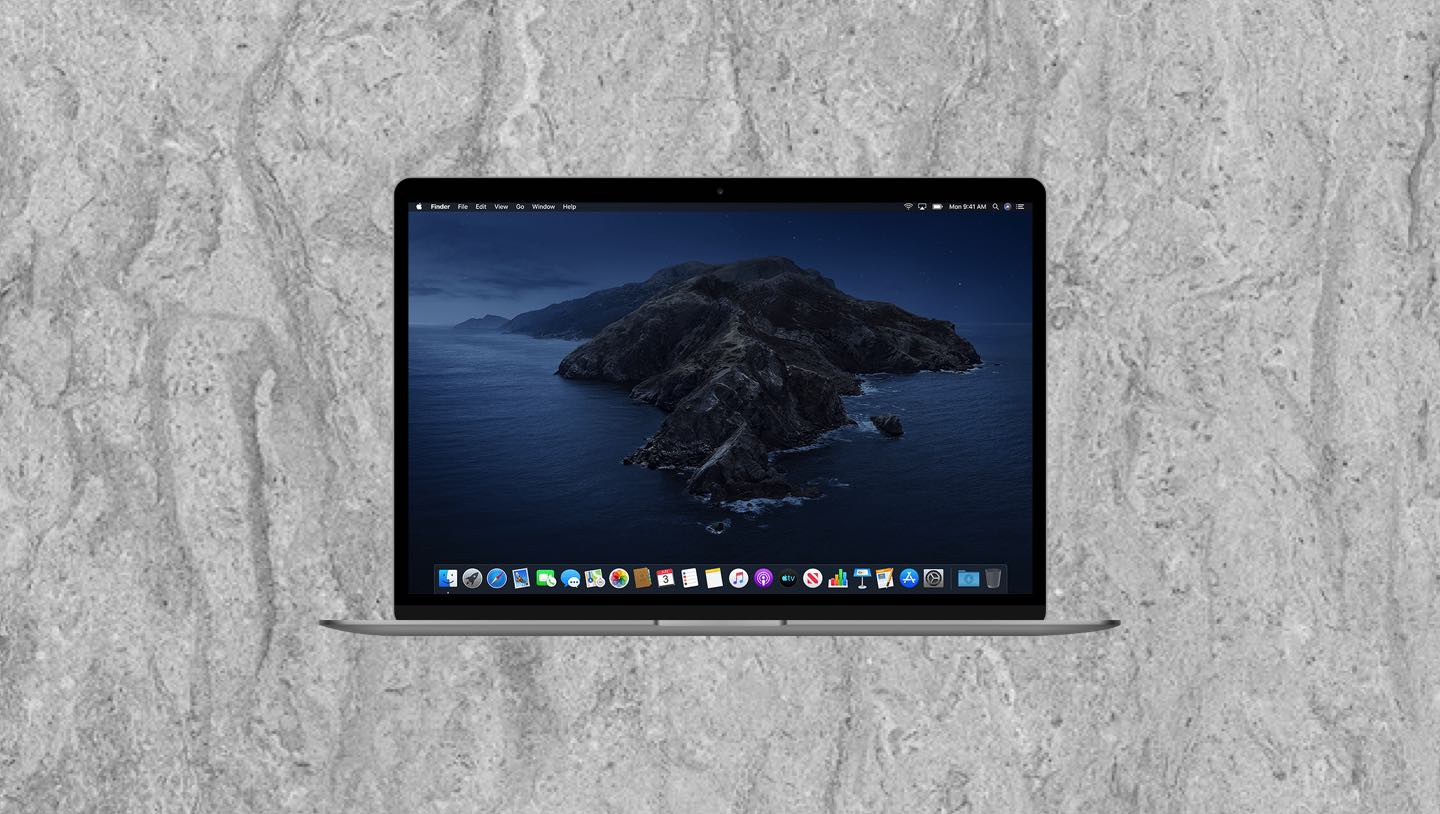
macOS 10.13 High Sierra, released on September 25, 2017, was a significant refinement of its predecessor, macOS Sierra. Rather than introducing an overhaul of the user interface, High Sierra focused on foundational technologies that laid the groundwork for future macOS advancements.

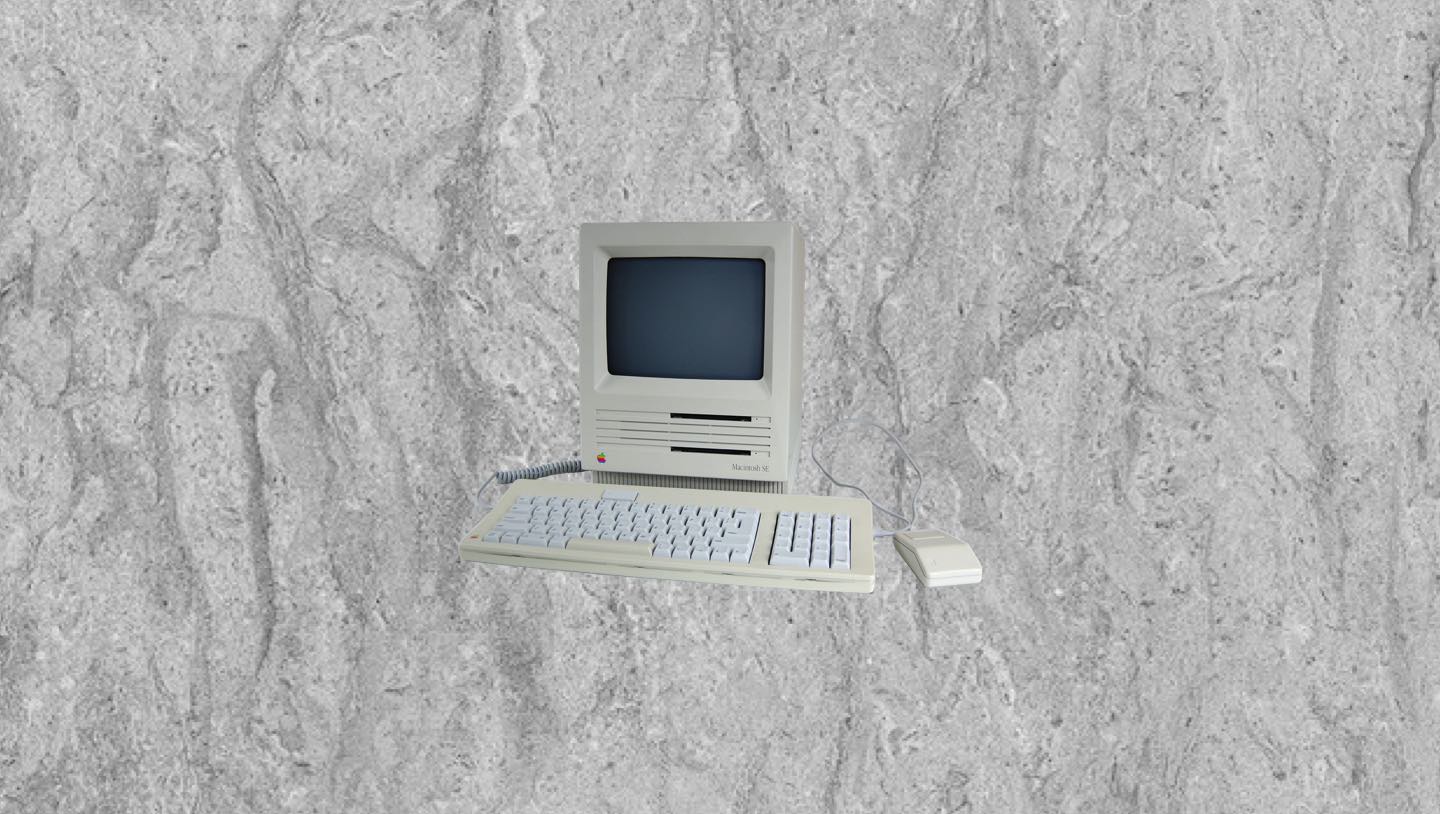
Apple Terminology:  What does vintage or obsolete really mean?

Apple Terminology: What does vintage or obsolete really mean?

You may have heard these terms at the Apple Store, but what do they really mean? Learn about Apple terminology here, and what you can do if you have a Mac machine that falls under “vintage” or “obsolete” status.

My Mac is running macOS 10.11 El Capitan, what popular apps can I run?

My Mac is running macOS 10.11 El Capitan, what popular apps can I run?

OS X El Capitan followed OS X Yosemite and prioritized speed, reliability, and safety under the hood. Continuing Apple’s tradition of naming macOS versions after iconic California landmarks.

The Down-low on Updates: What You Need to Know About macOS

The Down-low on Updates: What You Need to Know About macOS

As you may know, Apple comes out with a new Mac operating system (OS) every year, and each version is supported from a security and stability standpoint for three years.

What are the differences between Safari, Chrome and Firefox?

What are the differences between Safari, Chrome and Firefox?

In 2003, Apple introduced Safari, built on the open-source WebKit engine, with a focus on speed, standards compliance, and a streamlined interface. Safari quickly became the default browser on Mac OS X, replacing Internet Explorer.

How does Apple’s Find My service work?

How does Apple’s Find My service work?

Apple’s Find My service is a tracking and security feature that helps you locate lost or stolen Apple devices and compatible accessories. It’s built into iPhones, iPads, Macs, Apple Watches, and AirPods. It also supports AirTags and some third-party accessories.

How do I change Mac Passwords

How do I change Mac Passwords

A Mac User Password is the password associated with a user account on a Mac computer. It is used to log in, install software, change system settings, and perform administrative tasks.

What is the Thunderbolt connection on my Mac?

What is the Thunderbolt connection on my Mac?

Thunderbolt technology was first developed by Intel in collaboration with Apple and introduced in 2011. Originally codenamed “Light Peak,” it was designed to provide high-speed data transfer and versatile connectivity for peripherals like external drives, monitors, and docking stations.

What is the difference between iPad models?

What is the difference between iPad models?

The iPad, Apple’s revolutionary tablet, was first introduced by Steve Jobs on January 27, 2010, and released on April 3, 2010. Positioned between a smartphone and a laptop, the iPad featured a 9.7-inch touchscreen, a lightweight design, and access to the App Store, making it an instant success.

How do I responsibly discard of outdated Apple or other electronic equipment?

How do I responsibly discard of outdated Apple or other electronic equipment?

It is important to responsibly discard electronic devices to prevent environmental pollution, protect human health, and conserve valuable resources. Electronic waste (e-waste) contains hazardous materials like lead, mercury, and cadmium, which can leach into soil and water if not properly disposed of, causing serious environmental damage.

Our Reviews

Come Visit Us
Choose a location below.
View in Google Maps