Throughout their history, Mac computers have seen a dynamic evolution in processor technology, reflecting Apple’s commitment to innovation and performance.
Over the years, the Macintosh line has evolved, witnessing milestones such as the introduction of the PowerPC architecture, macOS operating system, and transition to Intel processors. Renowned for its design, innovation, and creative capabilities, the Macintosh remains an integral part of Apple’s product lineup, continuing to shape the landscape of personal computing.
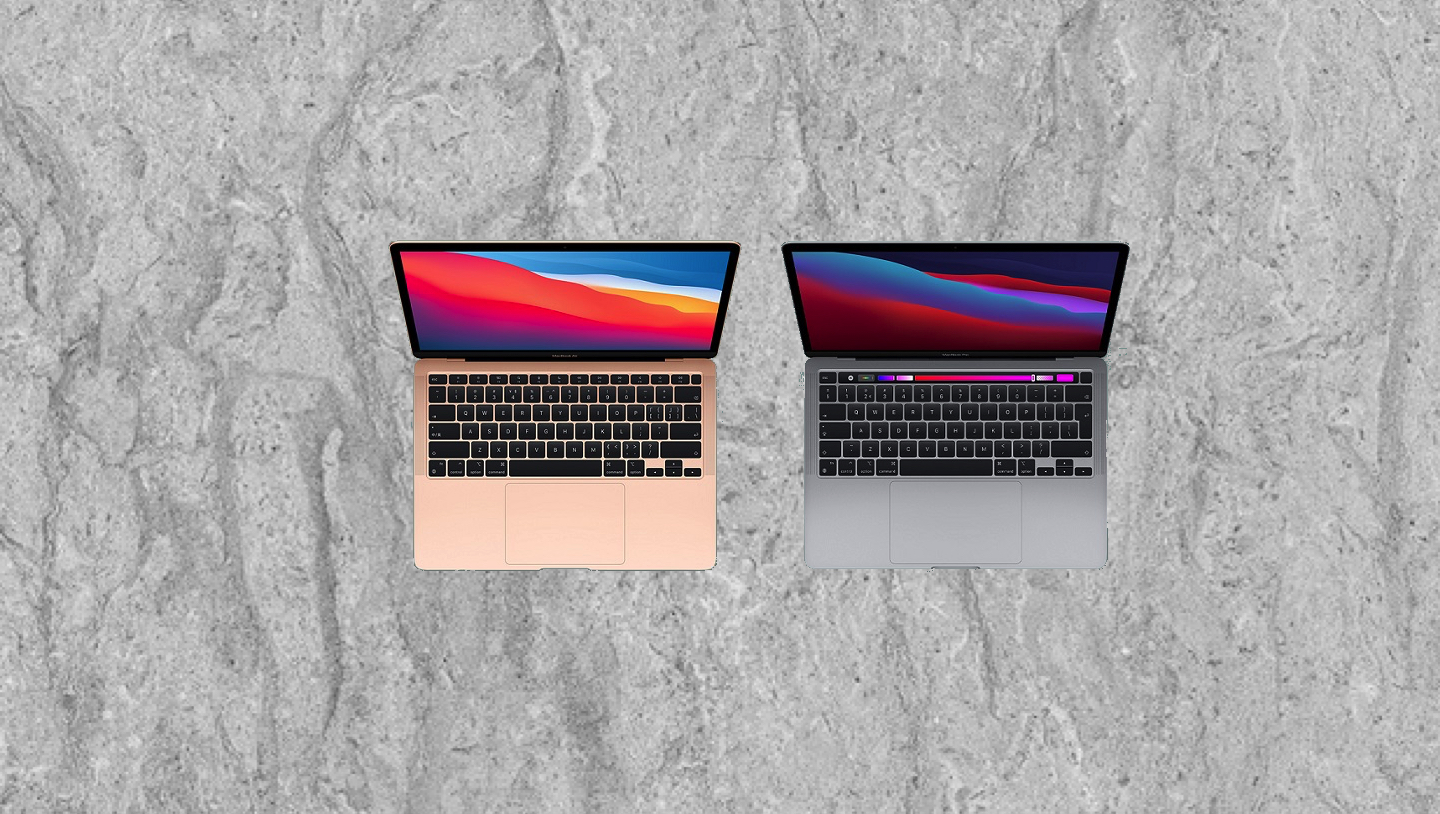
Apple laptops run on macOS, known for its sleek design and seamless integration with other Apple devices, Apple laptops often boast premium build quality and aesthetics, characterized by aluminum unibody constructions and high-resolution Retina displays. Apple laptops come with exclusive features like Touch ID and the Touch Bar.
This page serves as a comprehensive resource for the latest system requirements for MacOS and popular Mac applications. It is designed to help users understand the hardware and software prerequisites for optimal performance.
Dual-SIM (Subscriber Identity Module) is a feature found in certain mobile phones that allows them to use two SIM cards simultaneously.
A macOS password is the password set by a user to secure access to their macOS operating system account. This password is used to log in to the computer and is also required for various administrative tasks such as installing software or changing system settings. It’s crucial to choose a strong and memorable password to ensure the security of your computer and personal data.
External drives and flash drives serve as invaluable repositories for a vast array of important data, ranging from personal documents and multimedia files to critical business records and system backups. These portable storage solutions offer convenience and flexibility, enabling users to safeguard their data, transfer files between devices, and free up space on their computers or other primary storage devices. Whether it’s cherished memories captured in photos and videos, crucial project files, financial records, or sensitive documents, the ability to securely store and transport such data on external drives or flash drives ensures accessibility and peace of mind, especially in the event of hardware failures or unforeseen emergencies.
macOS provides crash and usage data to app developers through the App Store Connect portal, Apple’s platform for managing apps on the App Store. The data shared typically includes information about crashes, performance metrics, user engagement, and other analytics relevant to the usage of the developer’s app. This data helps developers identify and address issues, improve their app’s stability and performance, and gain insights into user behavior.
macOS, like many operating systems and software platforms, collects various types of analytics and telemetry data to help improve the user experience, troubleshoot issues, and enhance performance.
Apple devices have utilized various types of batteries over the years, evolving alongside advancements in technology. In earlier models, such as the iPod and early iPhone iterations, lithium-ion batteries were predominantly employed for their energy density and rechargeability. As devices became more compact and power-efficient, Apple introduced lithium-polymer batteries, known for their flexibility in design and reduced risk of leakage. With a focus on sustainability and environmental responsibility, Apple has increasingly integrated recycled and responsibly sourced materials into their batteries, furthering their commitment to innovation and eco-conscious practices.