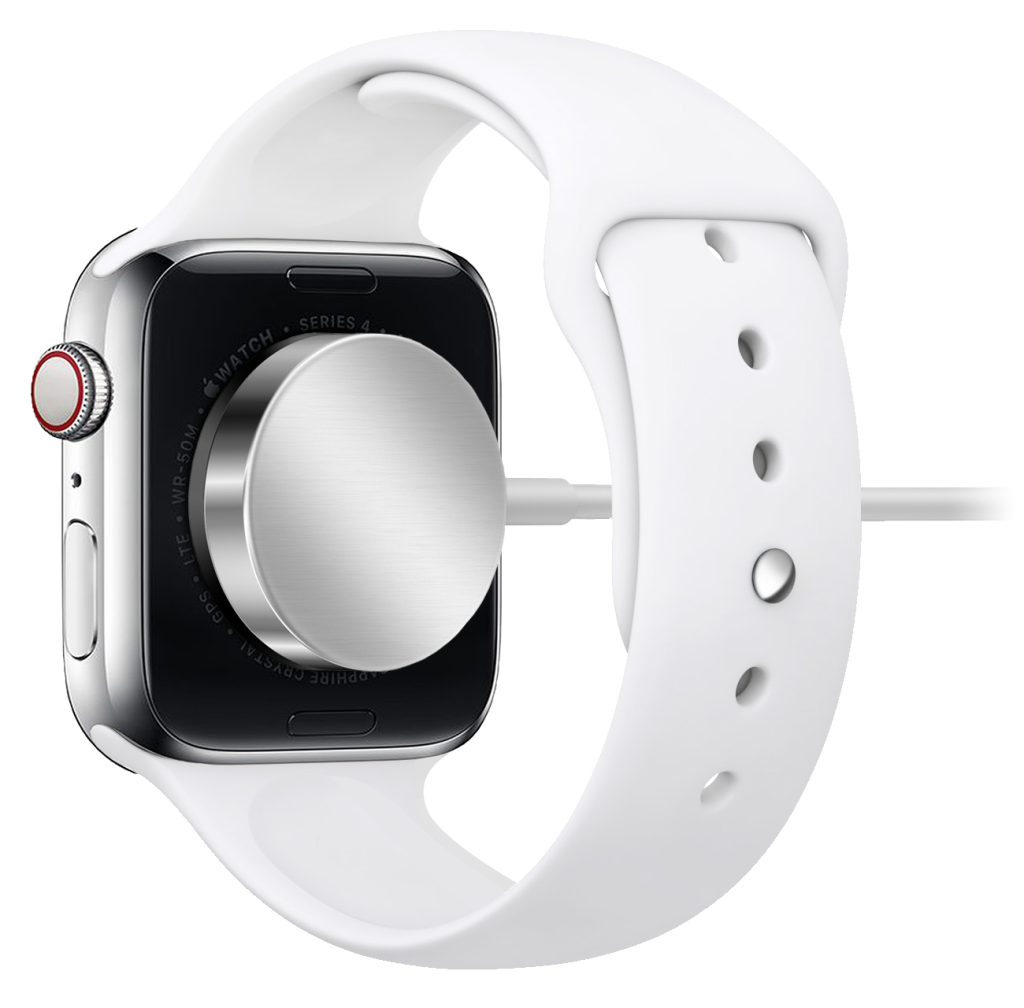
Modern iPhone and Apple Watch models use advanced rechargeable lithium-ion batteries, chosen for their high energy density, long lifespan, and ability to deliver consistent power in a compact design. iPhones use custom-shaped lithium-ion battery packs optimized to provide all-day performance while supporting features such as fast charging, wireless charging, and intelligent battery management. Apple Watch models also use specially designed lithium-ion batteries that maximize runtime within the device’s remarkably small enclosure, enabling health tracking, notifications, GPS, and always-on display features throughout the day. Both devices include sophisticated battery management systems that monitor temperature, charging, and power usage to help maintain battery health over time. Like all rechargeable lithium-ion batteries, they gradually lose capacity with age and repeated charge cycles, but under normal use they are designed to retain a significant portion of their original capacity for years before a battery replacement may be beneficial.
There is no need to wait until your iPhone or Apple Watch battery is completely drained before charging. In fact, lithium-ion batteries last longer when they are topped up regularly rather than repeatedly discharged to 0%. Charging whenever it’s convenient—whether that’s for a few minutes during the day or overnight—is perfectly fine.
For the best long-term battery health, try to keep the battery between 20% and 80% whenever practical, although it isn’t necessary to do this all the time. Avoid leaving your device at 0% for extended periods, and if you plan to store it for several weeks or months, charge it to about 50% before turning it off.
Apple devices also include intelligent charging features that help reduce battery wear. Optimized Battery Charging learns your daily routine and delays charging past 80% until just before you typically unplug your device, reducing the amount of time the battery spends at full charge. If you need a full charge sooner, you can always override this feature.
Yes. For most people, charging an iPhone or Apple Watch overnight is completely safe and is one of the easiest ways to keep the battery ready for the next day.
Apple designs its devices with battery management systems that prevent overcharging. Once the battery reaches 100%, the device stops charging and runs from external power as needed. On newer devices, Optimized Battery Charging (and Optimized Charge Limit on some models) learns your routine and can delay the final portion of charging until just before you typically unplug the device, reducing the amount of time the battery spends at a full charge.
Yes. It is generally safe to use a charger other than the one that came with your iPhone or Apple Watch, provided it meets recognized safety standards. Modern Apple devices communicate with the charger to draw only the amount of power they need, so using a higher-wattage USB-C power adapter will not force extra power into the battery or damage the device.
When choosing a charger:
For the best charging experience, use a charger that supports the appropriate charging standards for your device. Newer iPhones support USB Power Delivery (USB-PD) fast charging with a compatible USB-C power adapter, while Apple Watch models benefit from compatible Apple Watch magnetic fast chargers where supported.
Using a quality third-party charger from a trusted brand is just as safe as using an Apple-branded charger and is unlikely to affect battery life or device performance. The quality of the charger and cable matters far more than the name printed on them.
A rechargeable battery naturally loses capacity as it ages, so shorter battery life over time is expected. While there is no exact date when a battery should be replaced, several signs indicate it may be time for a new one.
On an iPhone, you can check the battery’s condition by going to Settings → Battery → Battery Health & Charging (or Battery → Battery on some newer versions of iOS). If the Maximum Capacity has dropped below 80%, Apple generally considers the battery to be at the point where replacement is recommended. You may also see a message indicating that the battery’s health has significantly degraded or that service is recommended.
For an Apple Watch, battery health can be found under Settings → Battery → Battery Health on the watch itself. Like the iPhone, a maximum capacity below 80% is a common indicator that replacing the battery may restore significantly better battery life.
Even if your battery health is above 80%, you may want to consider a replacement if you notice:
Many users choose to replace their battery when daily runtime no longer meets their needs, even if the battery health hasn’t reached 80%. A fresh battery can make an older iPhone or Apple Watch feel much more reliable and often extends the useful life of the device by several years. Denver Mac Repair can help when its time to replace a battery in your trusted device.